Using Visor · beginner · 3 min
Alerts
The Alerts widget lets you arm a price alert on a symbol and be notified when the market reaches it — so you can stop staring at a chart waiting for a level.
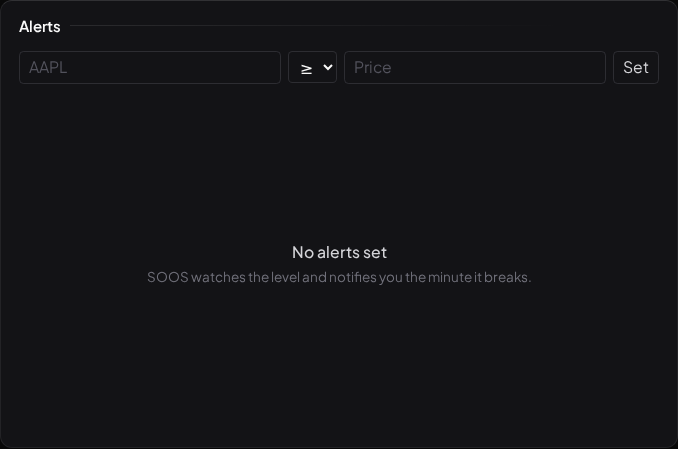
Arming an alert
Create an alert with three things:
- the symbol,
- a direction — above or below,
- a price.
"Above" fires when the price rises through your level; "below" fires when it falls through it. That is the whole model — deliberately simple. An armed alert sits in the panel until it triggers.
What fires it
An alert fires when the symbol's quote crosses the price you set, in the direction you set. When it does, it moves to the fired section of the panel and you are notified. Alerts are one-shot: a fired alert doesn't re-arm itself, so a price oscillating around your level doesn't spam you.
Because Visor's internal-validation quotes are currently delayed, an alert reflects the data feed's timing, not a live tick — another reason the delayed-data badge matters, and one more thing the licensed vendor swap will tighten before launch.
Alerts are reminders, not instructions
An alert is a note-to-self about a price, and nothing more. "Tell me when SPY reaches 600" is you setting a reminder; it is not Visor suggesting that 600 is a place to do anything. What you do when it fires is entirely your call. Setting an alert at a level is a good way to be patient — to decide in advance where something becomes worth a proper look, and then go and do something else until it does.
What to read next
- The Daily Brief — the once-a-day digest.
- Backtesting in Visor — testing a rule on history.