Getting Started · beginner · 4 min
Following Symbols
Visor's panels are not islands. A recurring idea in the product is that everything is connected: click a symbol in one widget and the symbol-aware widgets follow it. This is what turns a set of separate panels into a single, coordinated view.
The watchlist
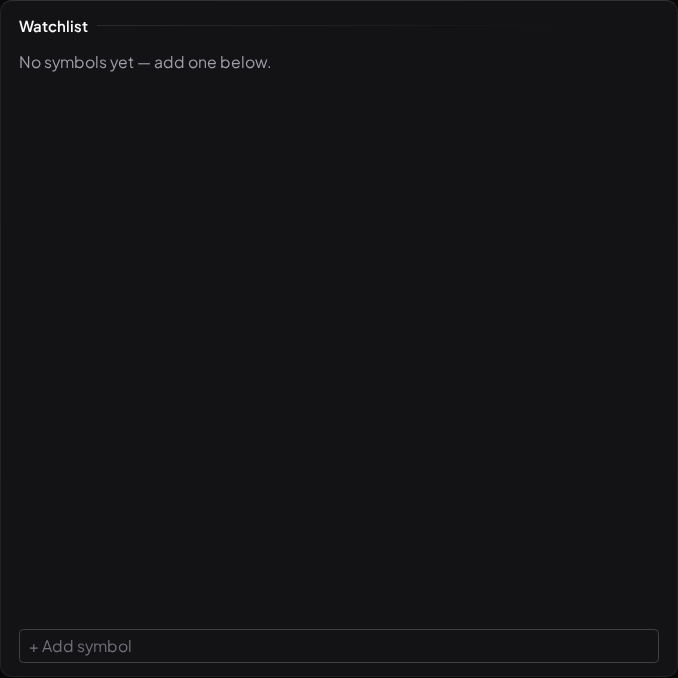
The Watchlist is your list of followed symbols with live quotes. Add a ticker with the search box — equities, indices, FX, and the supported crypto symbols are all searchable by name or symbol. The watchlist isn't capped: follow as many as you like.
Behind the scenes, following a symbol also feeds other parts of Visor — for example, the My Symbols News widget and the personalised parts of the daily brief narrow to the symbols you actually watch.
Symbol linking
Click a symbol — in the watchlist, the market overview, the scanner, or a news item — and any Chart in your workspace jumps to it. If the active workspace has no chart, Visor switches to the first workspace that does and drives the chart there. One click, and your chart, its indicators, and any linked analytics are all looking at the same instrument.
This is why a compact workspace works so well: a watchlist on the left and a chart in the middle become a fast way to flick through a list and read each one in turn, without typing a symbol every time.
What "following" is — and isn't
Following a symbol is your choice about what to watch. It is not Visor choosing an instrument for you. That distinction matters: Visor personalises which tickers and panels you see, never which investments you should make. The watchlist reflects your interest; it is not a recommendation list.
What to read next
- Reading the Feed — the live signal stream.
- The Scanner — ranking tickers by signal activity.